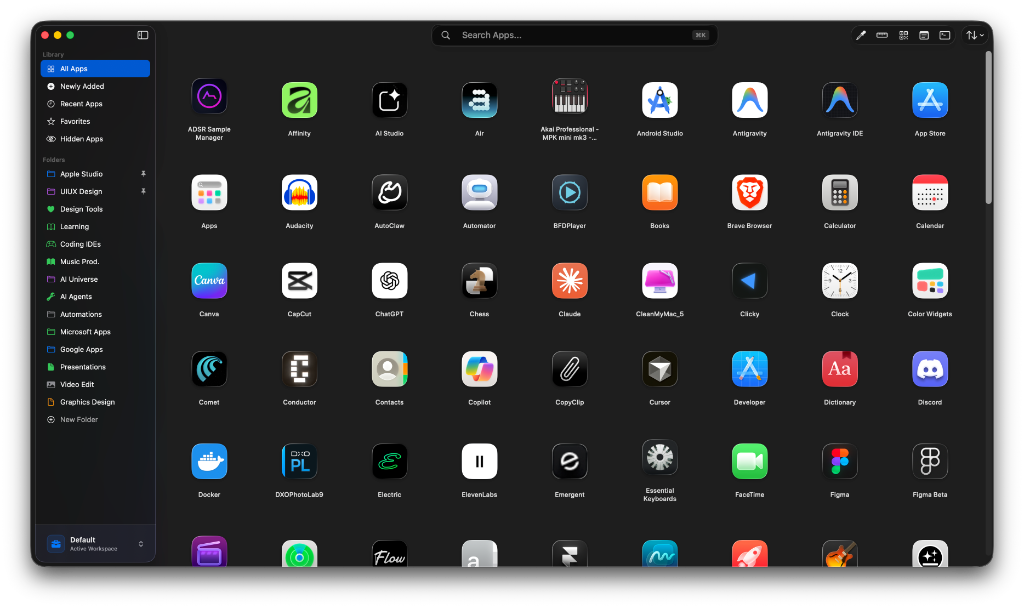
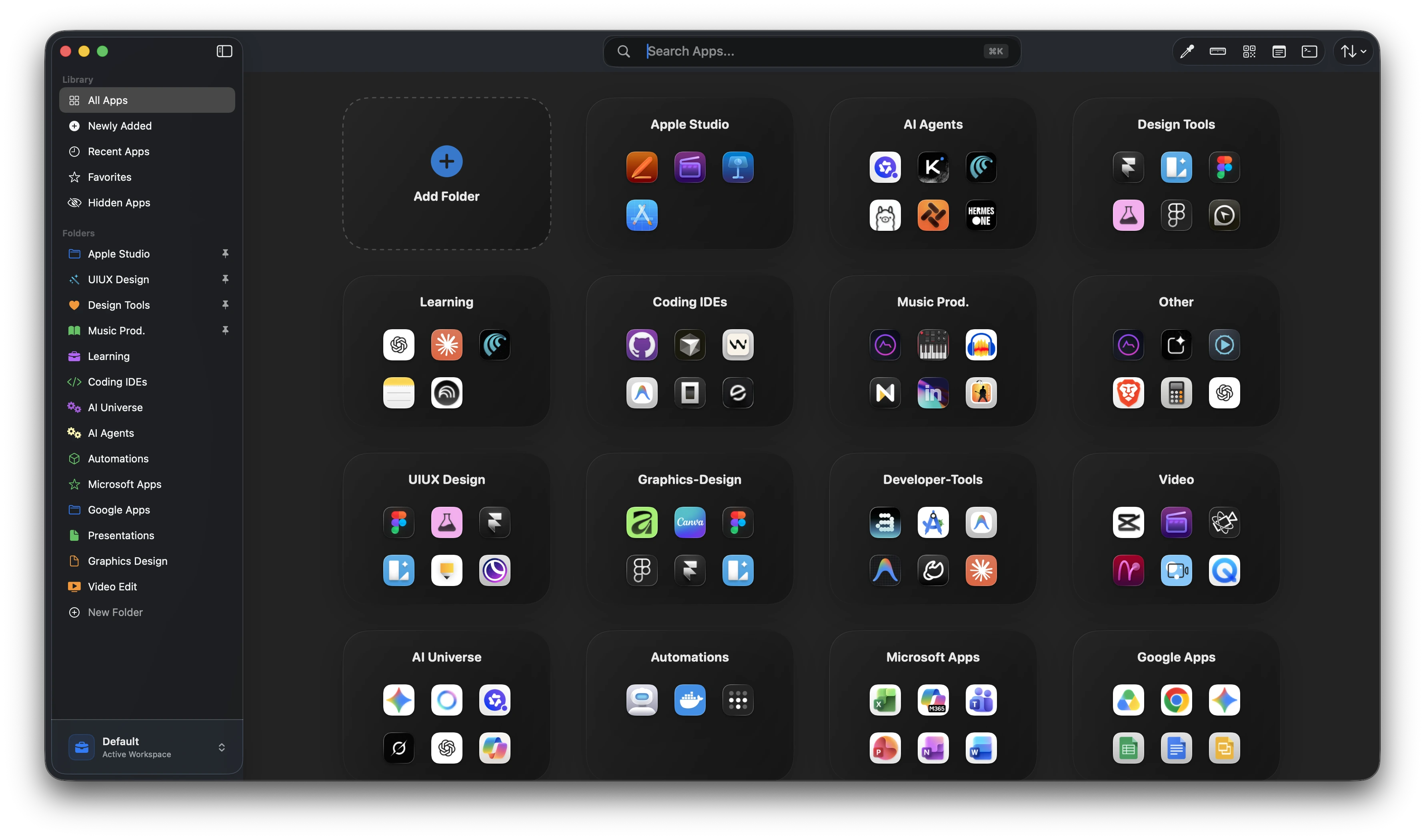
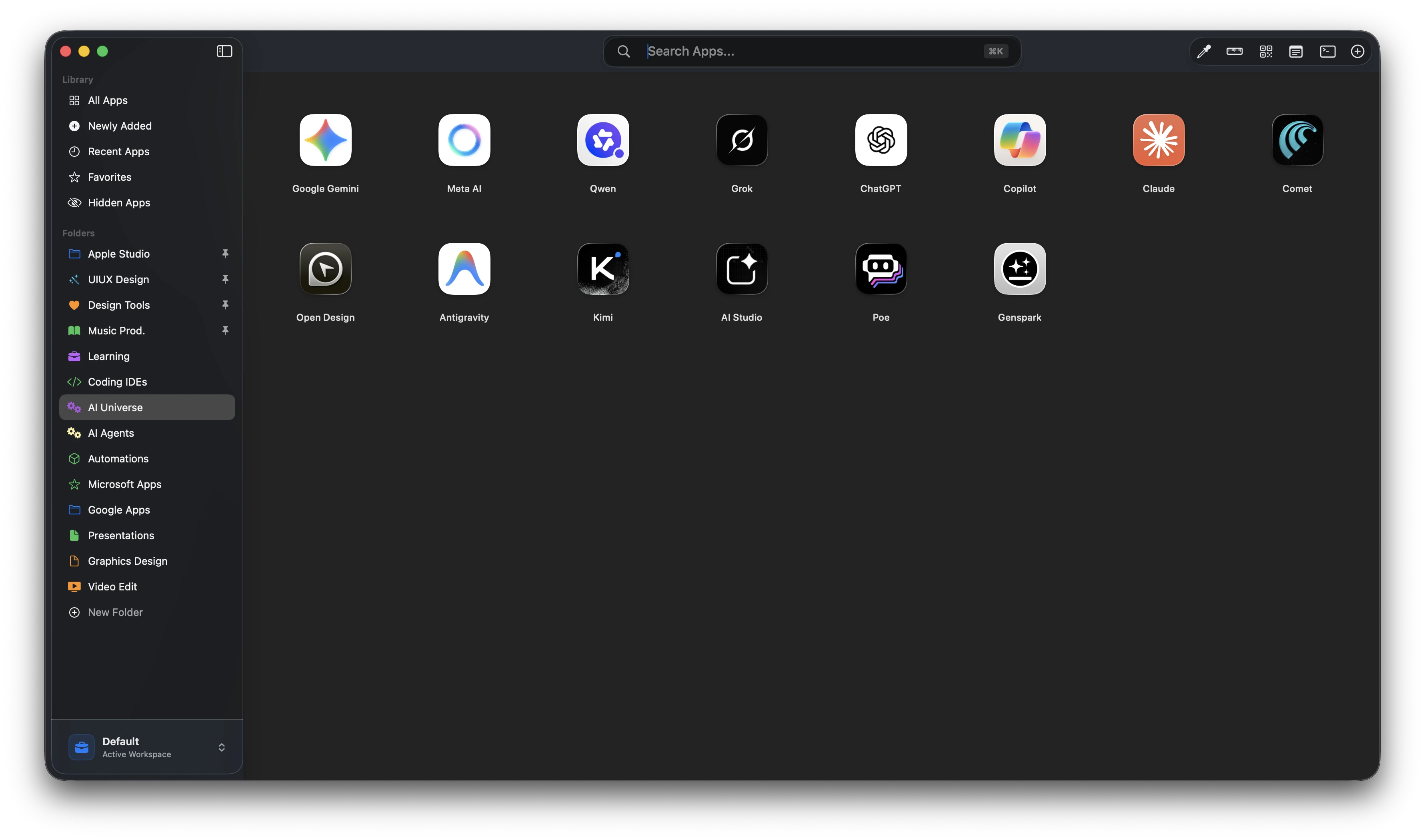
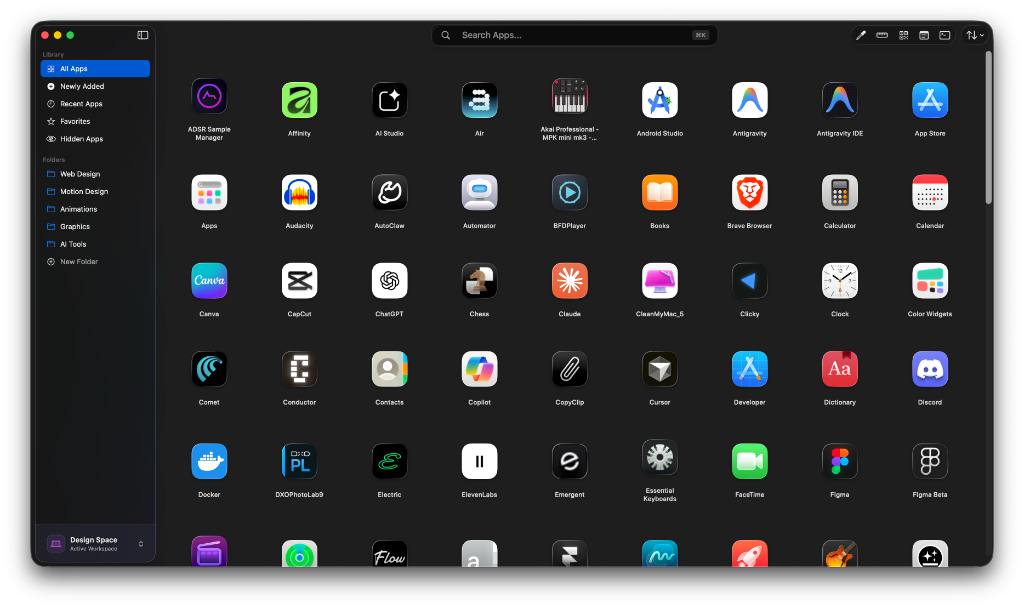
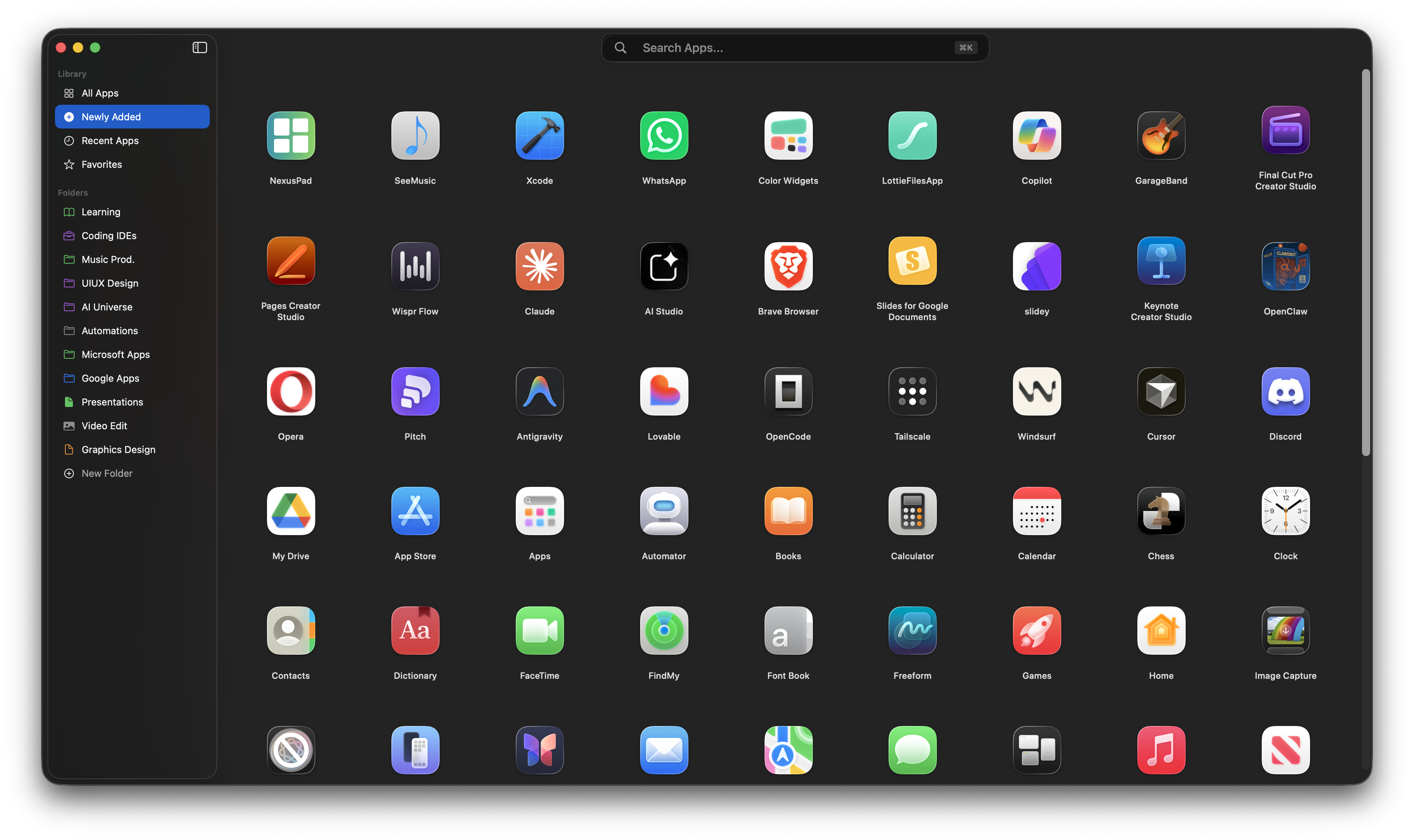
Launch apps, organize your workflows, switch workspaces, use built-in productivity tools, and keep everything instantly accessible from one beautiful native macOS launcher.
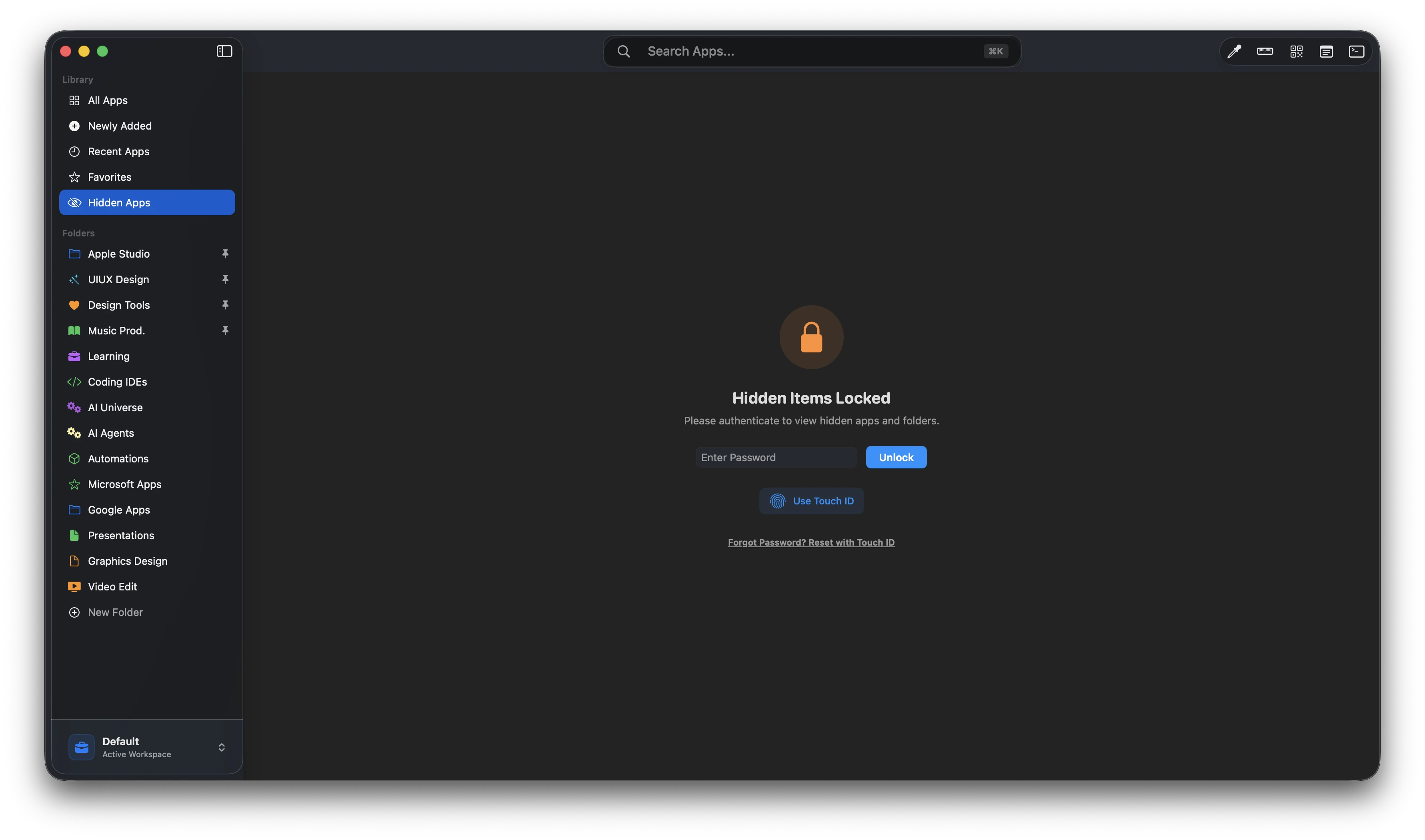
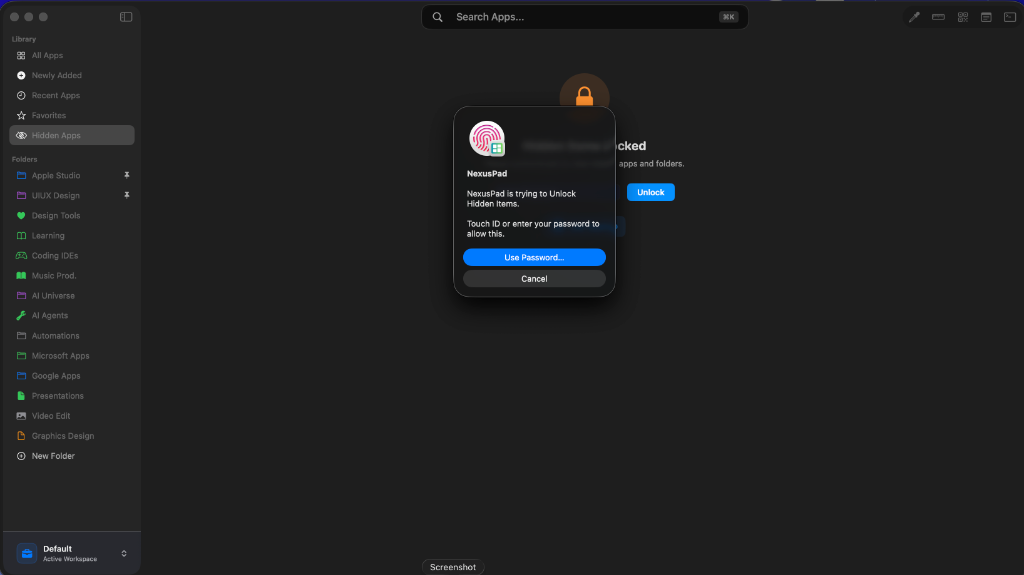
Instantly hide sensitive apps from search results and sidebar. Securely protect them with native Touch ID.
Search and launch apps instantly. Supports speech recognition and keyboard shortcut focus.
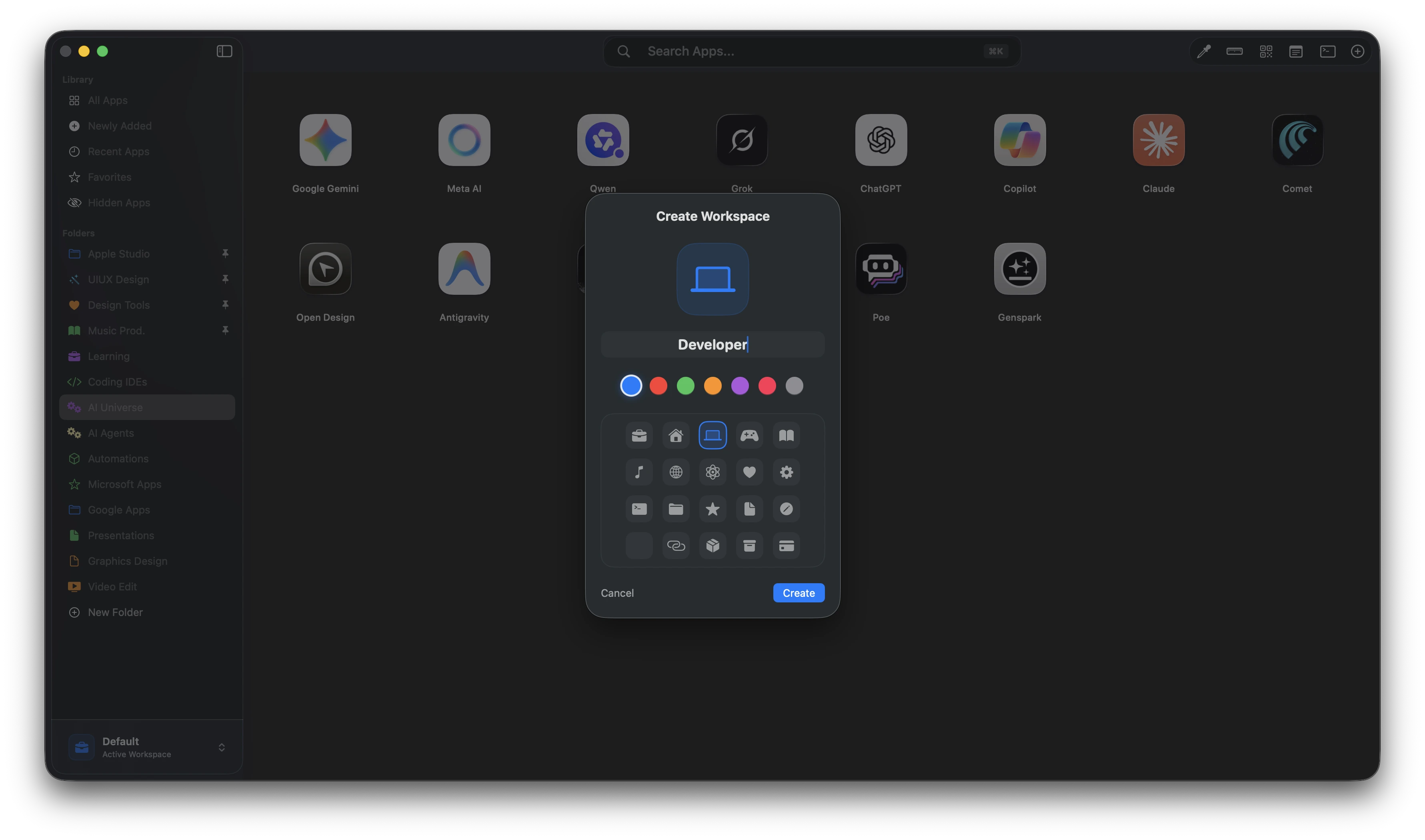
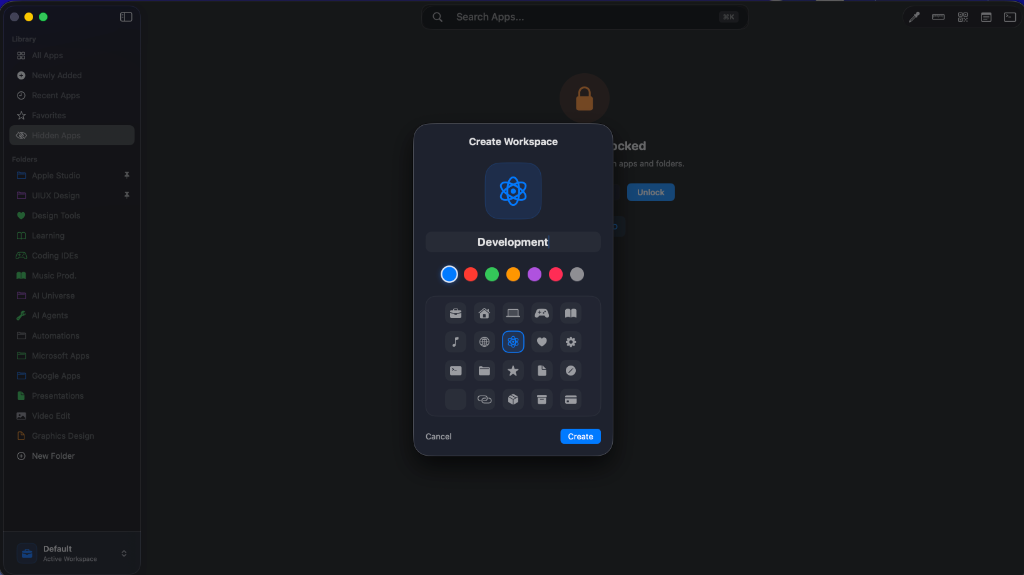
Instantly switch between isolated workspaces matching different contexts (e.g. Design, Dev, Personal).
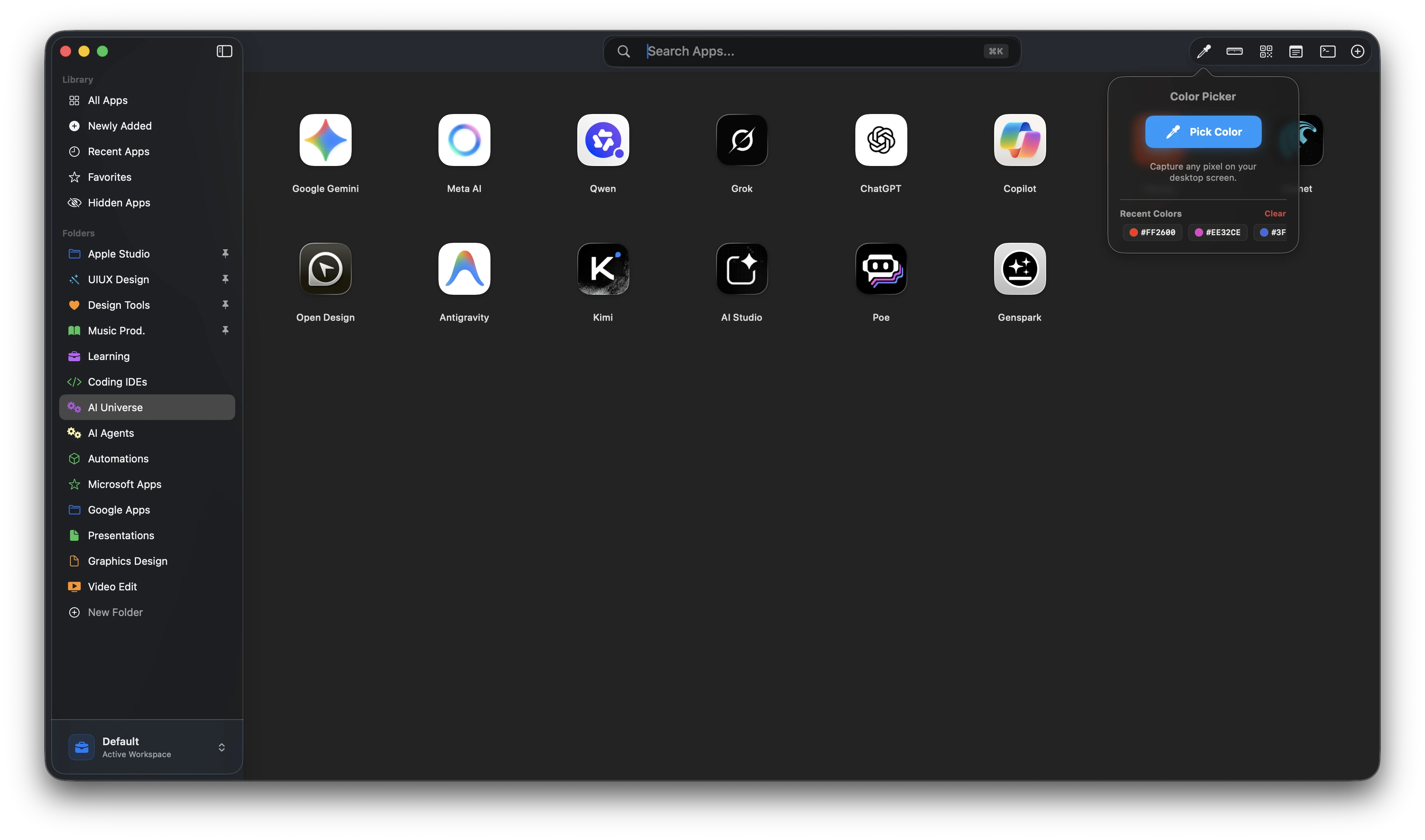
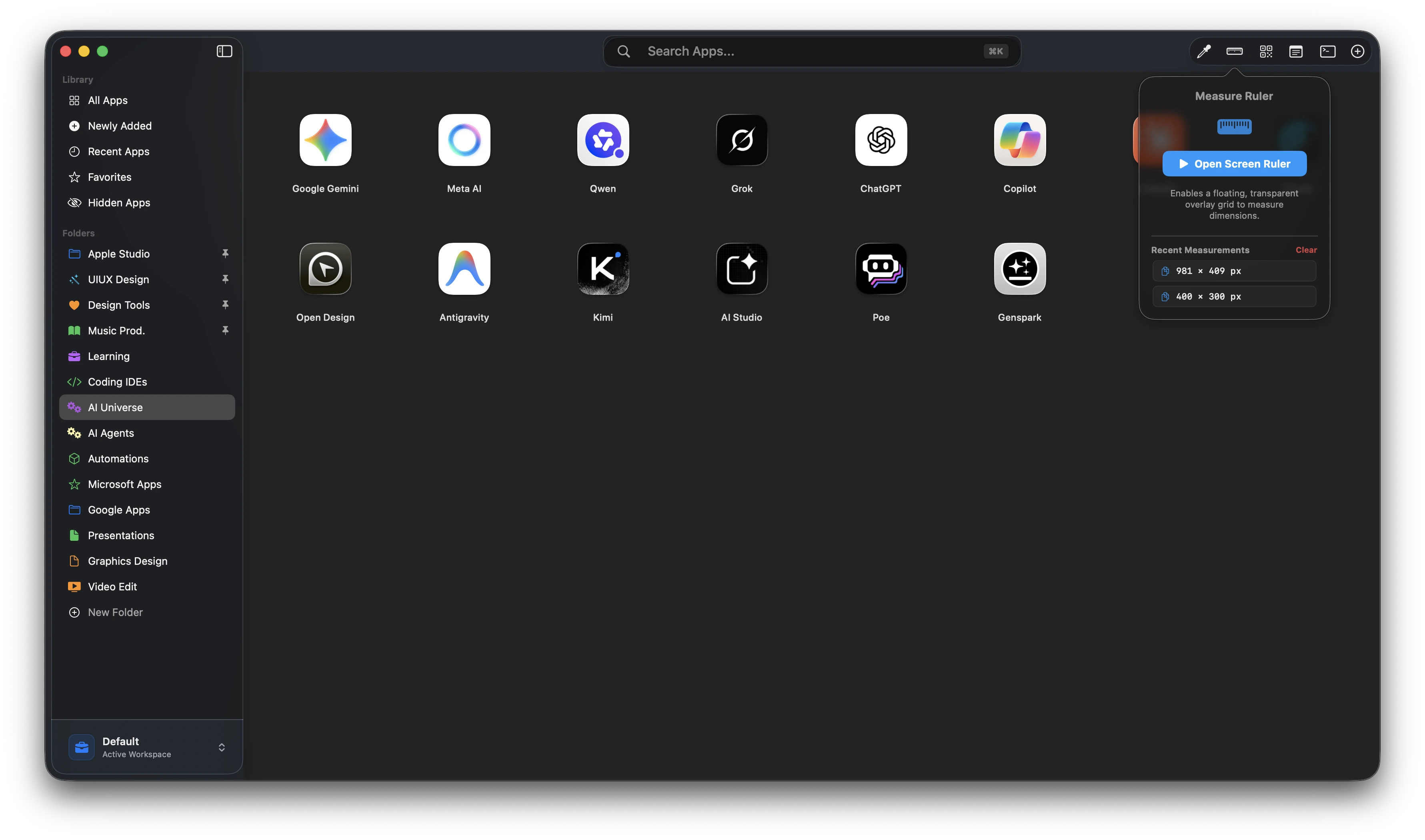
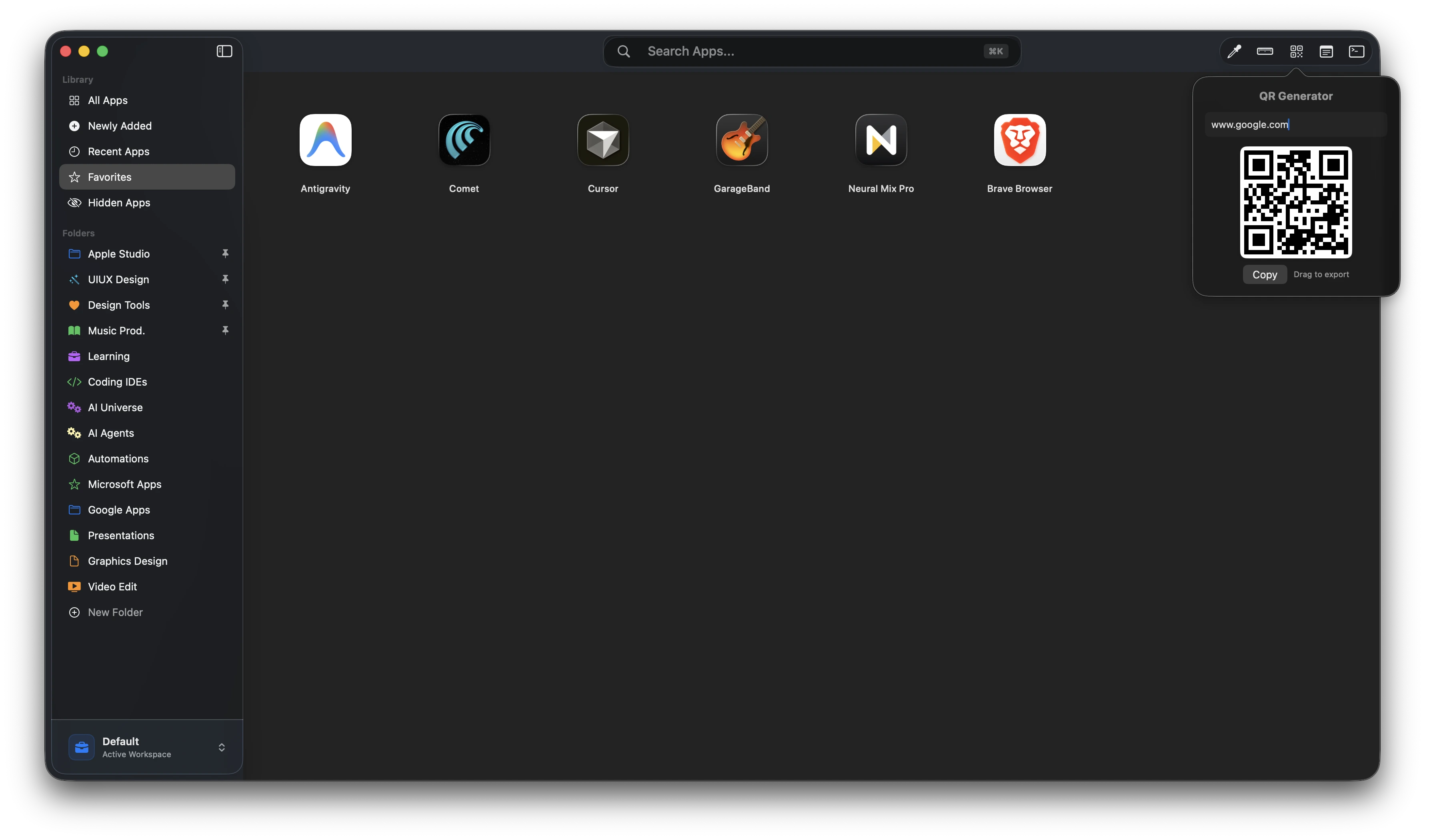
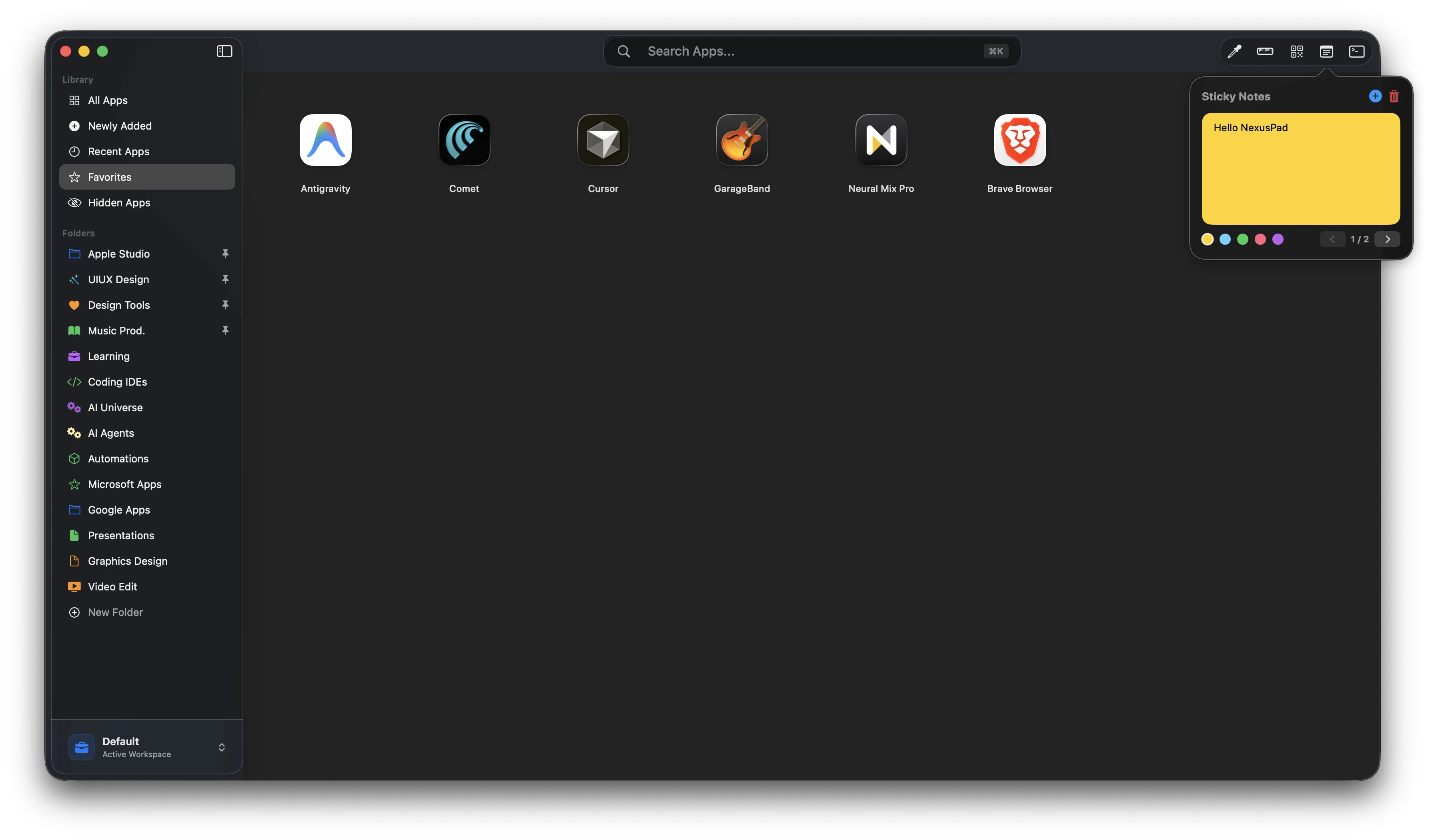
Quickly access tools like Ruler, Color Picker, QR Generator, and Sticky Notes from the top bar.
Generate QR codes instantly from URLs or text, preview them, copy to clipboard, or drag to export.
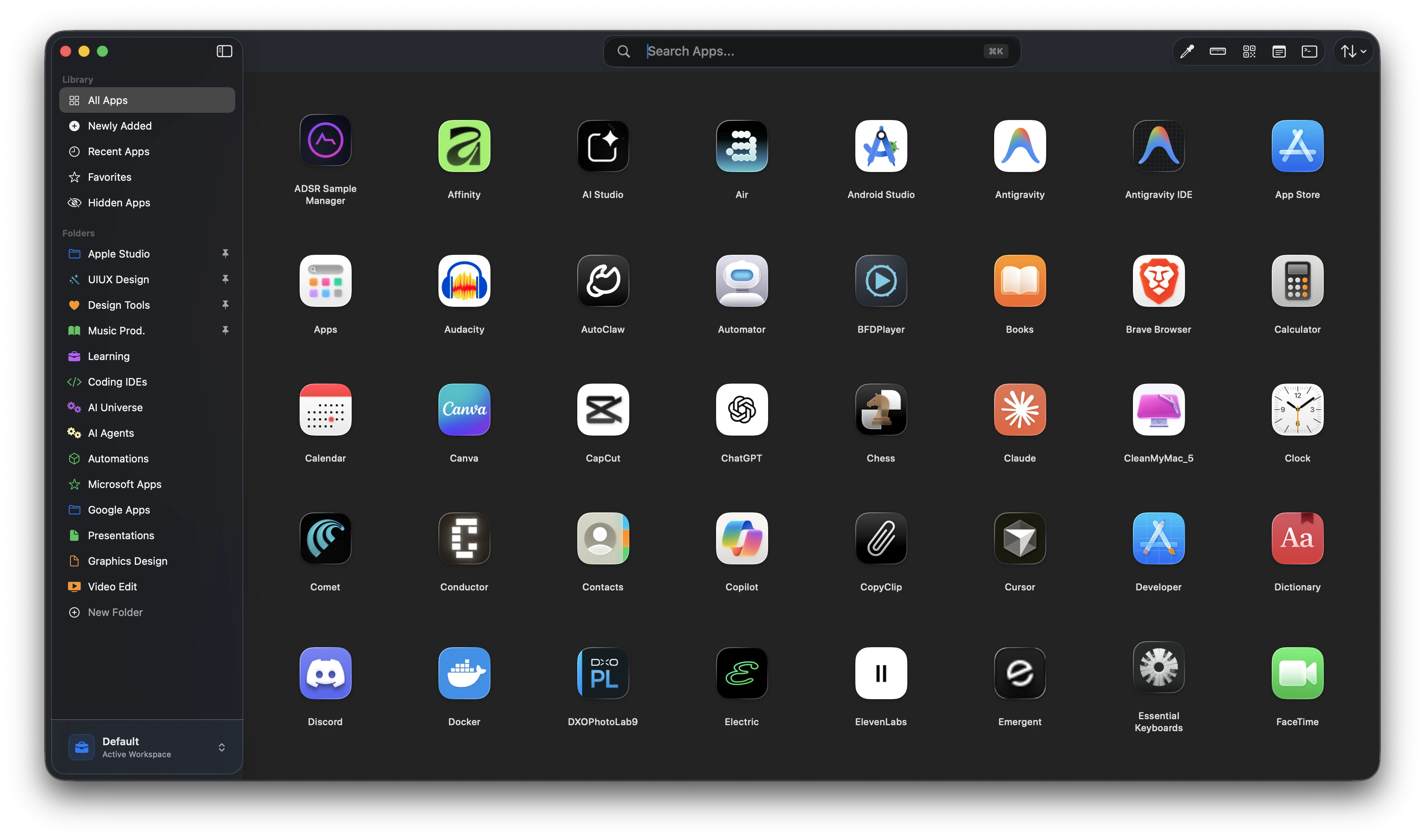
Transform how you organize, navigate, and personalize your digital desktop environment.
Designed to reduce friction and help you focus on work—not searching for apps.
No need for third-party extensions. Access vital productivity utilities directly from your app launcher.
.container {
display: flex;
margin: 20px auto;
border-radius: 12px;
}
.row {
display: flex;
flex-wrap: wrap;
gap: 16px;
}
const Button = () => {
return <button>Click</button>
}
Pick colors anywhere. Copy HEX and RGB instantly.
Measure spacing and pixels directly on your screen. Perfect for designers.
Generate QR codes from URLs or text. Preview instantly and export anytime.
Floating notes that stay accessible while you work.
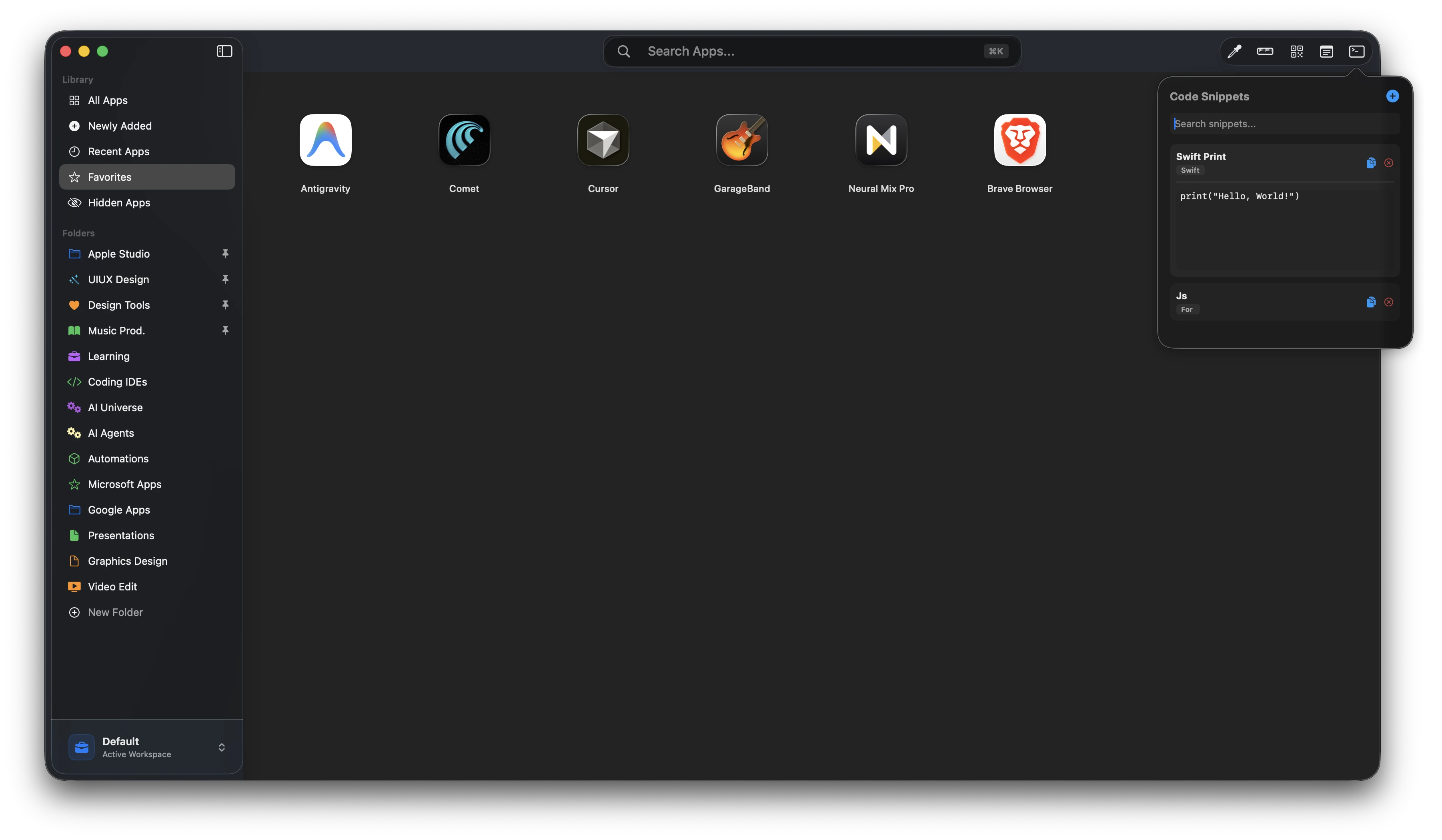
Save reusable snippets. Search instantly and copy with one click.
Organize different environments matching the exact context of your focus.
Every workspace acts as an independent space, keeping its own:
Allow users to instantly switch between completely different environments without cluttering the screen.
Lock and protect sensitive tools behind biometrics and custom passwords.
Hide custom apps or complete folders globally. They disappear completely from Search, Suggestions, Sidebar Library, and main grids, leaving no traces.
Configure a secure authorization password to lock access to the hidden panel.
Unlock hidden content instantly using native Touch ID, Apple Watch validation, or standard macOS credentials.
The Hidden Items panel automatically re-locks itself securely the second the application loses focus or is dismissed.
Blazing fast keyboard navigation that feels natural to macOS.
Engineered in Swift to be lightweight, instant, and battery-friendly.
CleanMyMac-style deep uninstaller. Scans and completely removes system applications alongside all associated hidden preference files, app support structures, log lists, launch daemons, and leftover cache residuals.
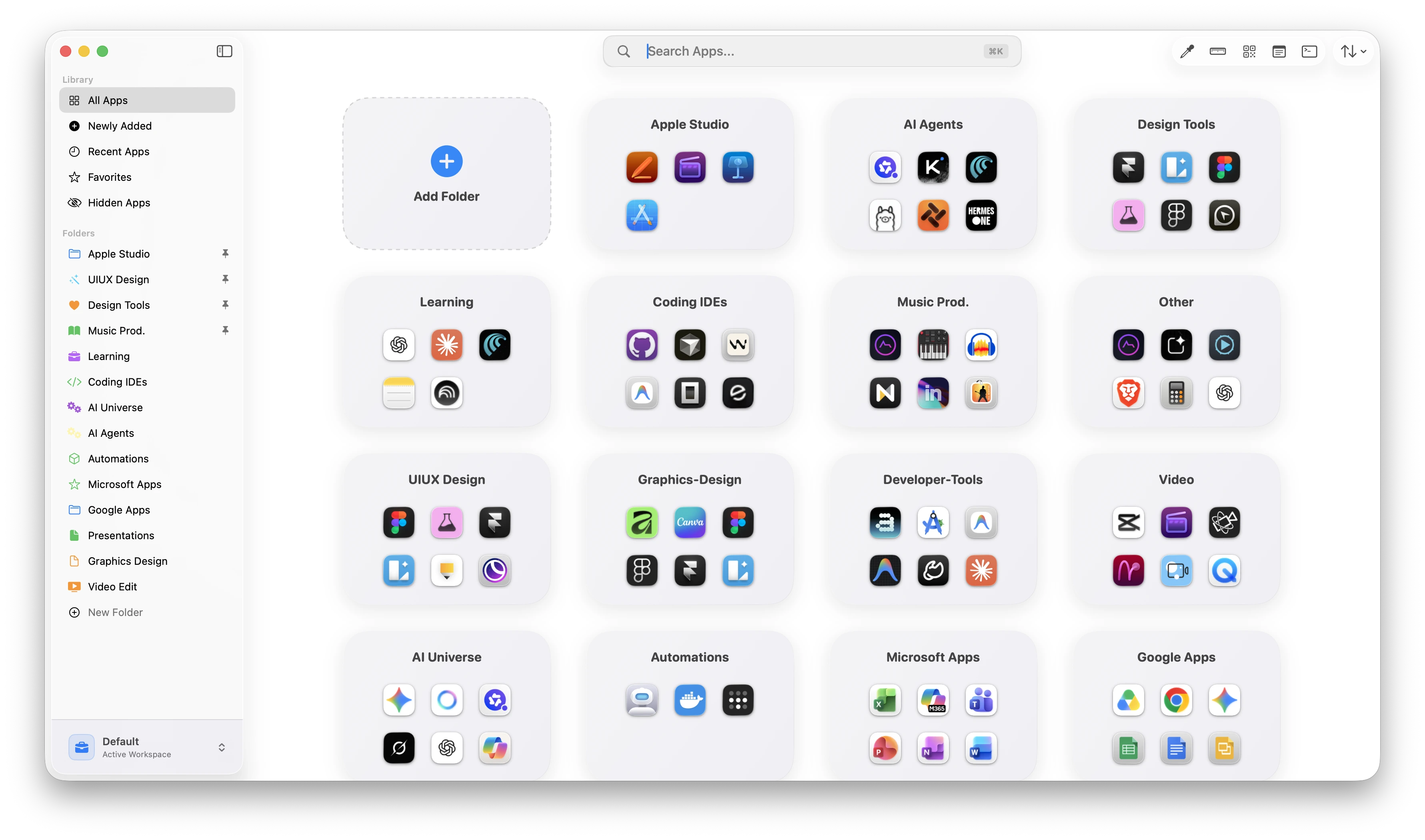
Switch between compact list mode or visual grid layouts based on your workflow style.
Pin your most-used apps for instant access and reduced friction.
Organize apps alphabetically or by recently used for faster navigation.
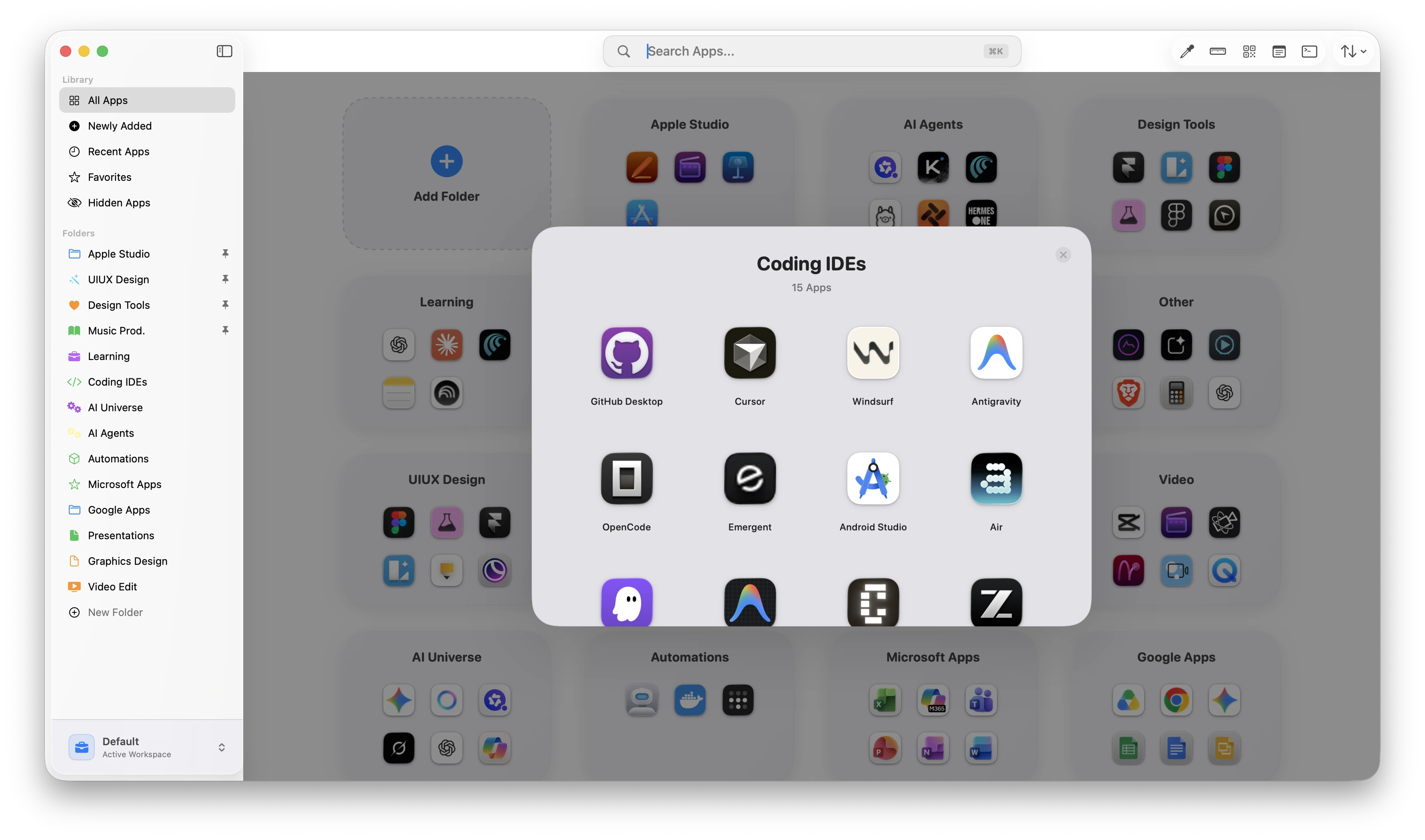
Enjoy a clean, intuitive folder interaction inspired by modern mobile operating systems.
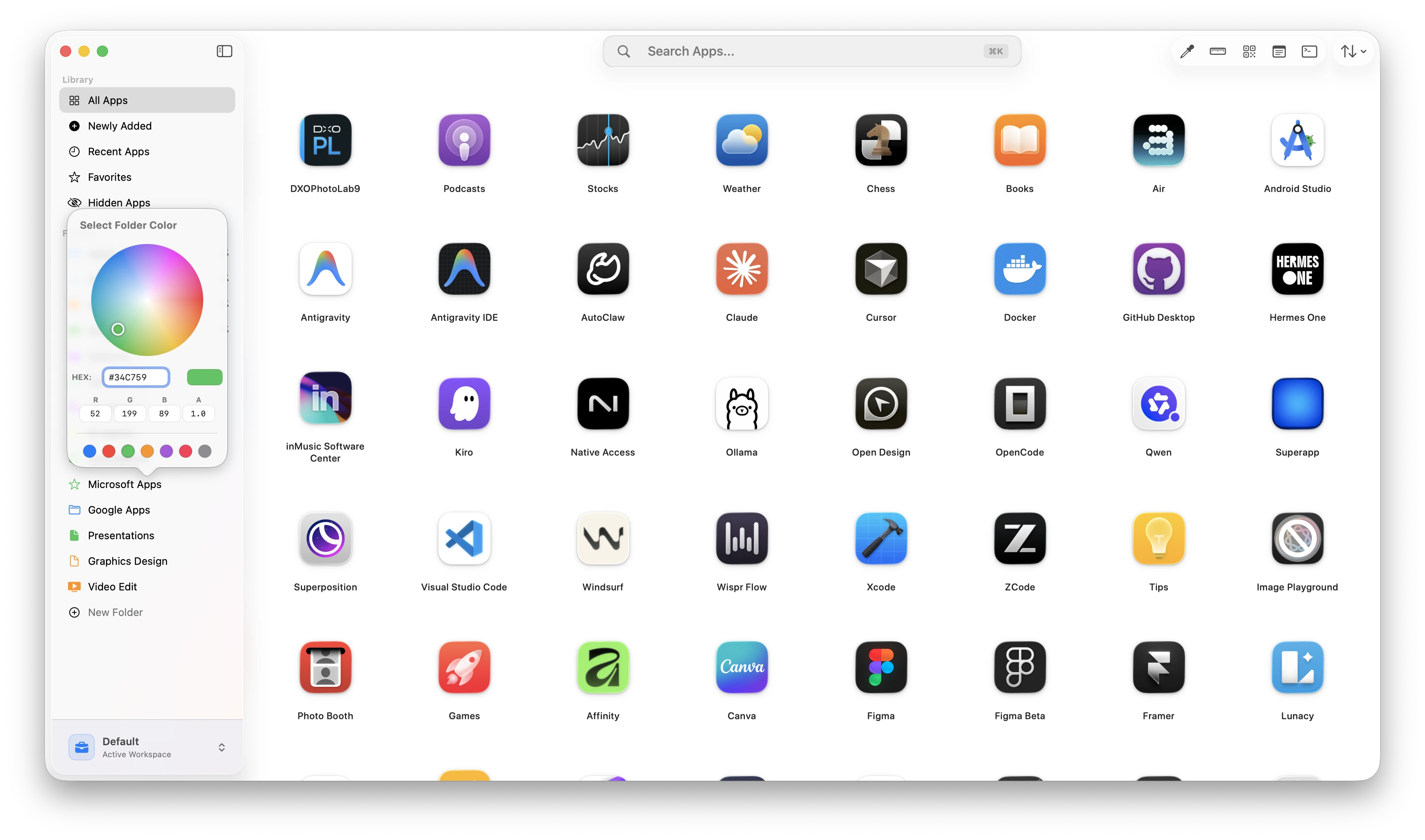
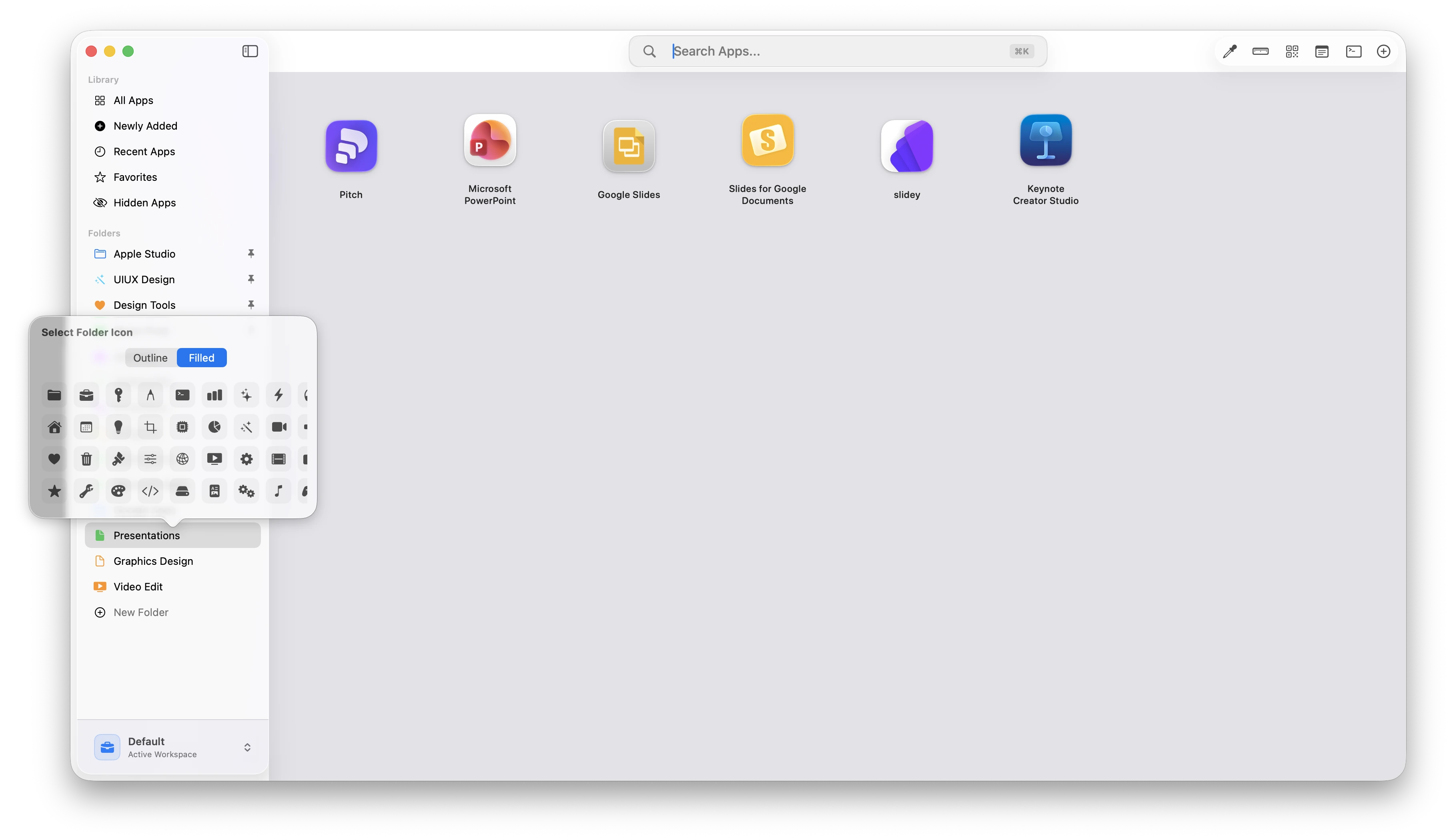
Express your aesthetic preferences. Personalize folders with customizable cards, accent colors, custom glyph icons, and premium iOS-style interactive grouping previews.
Group apps by projects, workflows, clients, or use-cases instantly.
Create dedicated spaces for design, development, productivity, marketing, AI tools, and more.
Organize Figma, Dribbble, fonts, assets, and inspiration tools into one clean workspace.
Access GitHub, docs, deployments (like Vercel), APIs, and dev tools instantly from one launcher.
Keep analytics, payments, project tools, and operations organized by workflow.
Reduce tab clutter and create distraction-free workspaces with categorized app systems.
Create folders for AI writing, image generation, coding, automation, and research tools.
Manage writing apps, video editors, social media tools, and scheduling platforms in one unified launchpad.
| Feature | Spotlight | Launchpad | NexusPad |
|---|---|---|---|
| Visual Browsing | ❌ | ✅ | ✅ |
| App Folders | ❌ | Limited | ✅ |
| Favorites | ❌ | ❌ | ✅ |
| Multiple Workspaces | ❌ | ❌ | ✅ |
| Built-in Productivity Tools | ❌ | ❌ | ✅ |
| Hidden Apps | ❌ | ❌ | ✅ |
| Keyboard Navigation | Limited | ❌ | ✅ |
A journey of continuous optimization and workflow personalization.
Initial release focusing on native app launching, quick layout views, and system efficiency.
Added custom app folders with icons, favorites pinning, advanced sorting options, and instant search.
Introduced isolated Workspaces, custom tool dashboards (Ruler, QR Code, Snippets, Notes), global hiding, Touch ID biometric lock, dynamic 80% screen scaling, and zero-latency transition refinements.
"It feels like the Launchpad Apple never built."
"As a developer, I have tons of apps. NexusPad's search and favorites make launching tools instant."
"Beautiful, fast, and native. Finally, an app launcher that doesn't feel bloated."
"I've tried every launcher out there. NexusPad is the only one that feels truly native to macOS."
"The recent apps feature is a game-changer. I can switch between my workflow apps in seconds."
"Clean, elegant, and powerful. NexusPad proves that great software doesn't need to be complicated."
Choose the perfect plan for your workflow.
For individuals getting started with workflow organization.
For power users who need advanced categorization.
For founders and teams requiring absolute maximum productivity.
Get up and running with NexusPad in less than a minute. Follow these simple steps.
Download the official NexusPad.dmg installer file, then double-click it to mount the disk image on your desktop.
Drag the NexusPad app icon directly into your macOS Applications shortcut folder inside the installer window.
Since NexusPad is an independent utility, macOS may block launch displaying a warning: "App can't be opened because it is from an unidentified developer / malware warning". This is normal Gatekeeper behavior for unsigned tools.
To run, open your Mac's System Settings ➔ Privacy & Security. Scroll down to the Security group, locate the NexusPad block notification, and click "Open Anyway". Confirm with your password or Touch ID.
Organize your tools, workspaces, and productivity systems in one clean launcher.
Start Using NexusPad FreeSpotlight is search-only and doesn't offer visual organization. NexusPad provides a complete visual workspace layout to group apps into folders, workspaces, favorites list, and includes custom designs, built-in design utilities (like Screen Ruler, Color Picker), and security locks that Spotlight lacks.
Yes. NexusPad is designed to completely replace the native macOS Launchpad, providing a much cleaner, responsive, keyboard-navigable experience that fits professional creator workflows.
Yes. NexusPad is compiled as a Universal Binary, meaning it runs natively and efficiently on both Apple Silicon (M1/M2/M3/M4 chips) and Intel processors.
Yes, the core application is written 100% natively in Swift and SwiftUI, ensuring maximum speeds, direct system APIs integration, and extremely light battery footprint.
Yes. You can drag and drop apps together to create folders, assign custom names, choose custom colors, and set custom glyph icons.
Yes, Version 1.2 introduces isolated Workspaces. You can configure completely different layout settings, custom folders, and app lists for different workspaces (e.g. Design vs Dev vs Personal) and swap between them in one click.
Right-click any app or folder and select "Hide Globally" to instantly remove it from the launcher interface, fuzzy search matching, suggestions list, and sidebar. Access and restore hidden items securely from the biometric-protected "Hidden Items" panel.